What's New — June 2026

8 releases in June 2026.

Pay with Crypto#

Added

  • Pay for your plan in crypto — and pay less: You can now subscribe with cryptocurrency (USDT, USDC, BTC and more, via NowPayments) instead of a card — pick Card or Crypto in the pricing toggle and on the Account plan switcher. Crypto is billed quarterly or yearly, and the quarterly term comes with ~10% off versus paying month-to-month on a card — our processing fees are lower on crypto, so we pass that back to you. One thing to know up front: crypto and card are mutually exclusive — you use one method or the other, never both at once. If you already have an active card subscription the crypto option is locked (and vice-versa), and the account switcher tells you which method is in play and why — so you can never accidentally pay twice for the same plan. Because crypto charges aren't auto-renewing card payments, crypto renewals and plan changes are manual: you confirm each one yourself rather than having it billed silently. Open Account.
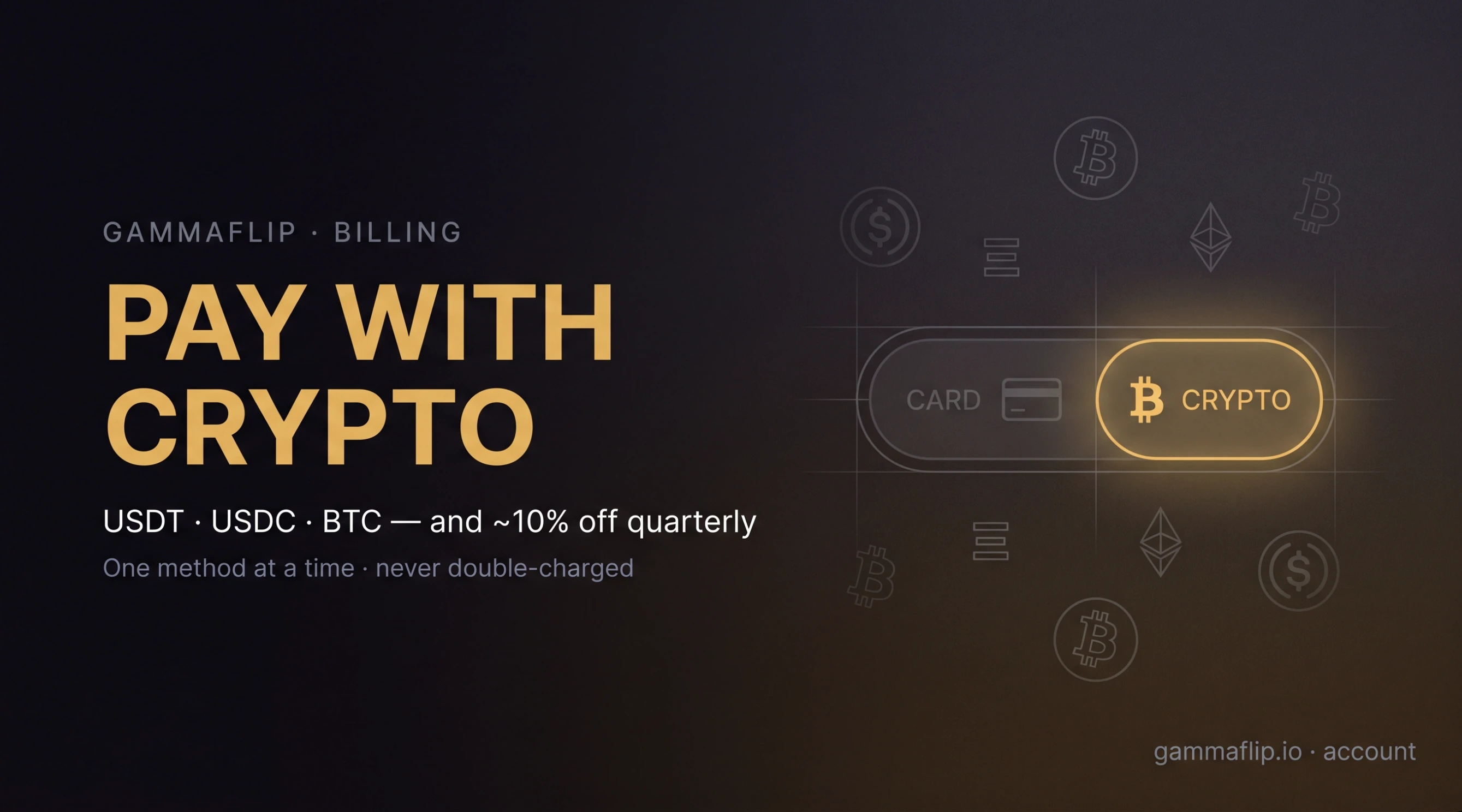
    Pay with Crypto — a Card / Crypto method toggle with the Crypto side lit, USDT · USDC · BTC and ~10% off quarterly, one method at a time

TradFi GEX: Stocks & Indices Are Live#

Added

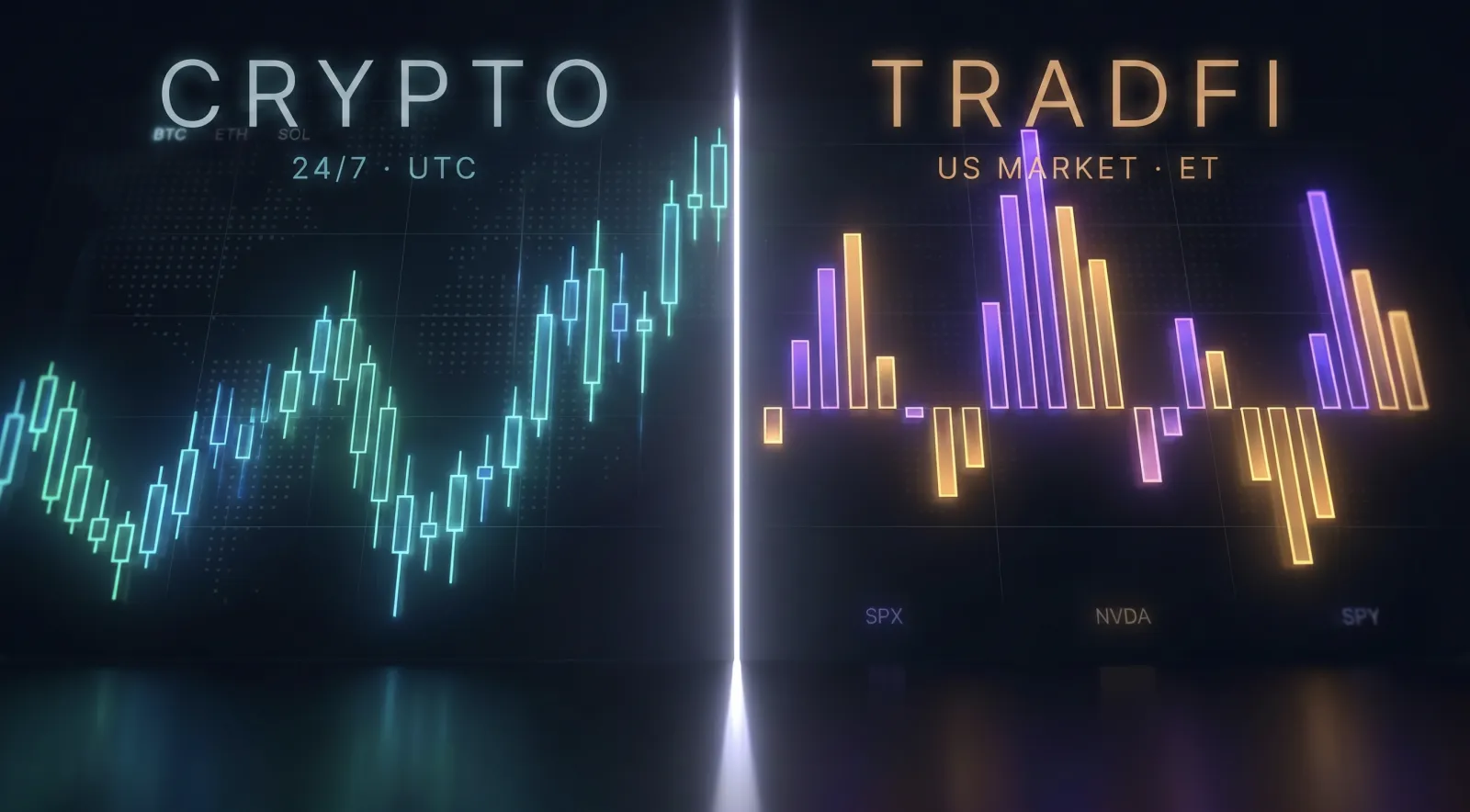
  • The gamma engine now runs on US stocks & indices: Everything you use for Bitcoin — flip point, walls, hedging pressure, heatmap, Monte Carlo — now works on 13 of the most liquid US-listed names: the S&P complex (SPX, SPY), the Nasdaq-100 (QQQ), the mega-caps (NVDA, AAPL, TSLA, MSFT, AMZN, META, AMD), the metals (GLD, SLV), and IBIT — the spot Bitcoin ETF, so you can read BTC and its biggest ETF wrapper side by side. One Crypto / TradFi switch in the context pill flips the whole app between asset classes; everything else stays exactly where you left it. SPX includes PM-settled weeklies and same-day 0DTE (SPXW) as first-class citizens. Open Now → context pill → TradFi.
    GEX by Strike running on SPX — the same gamma charts now on US stocks and indices
  • Blog: GEX Comes to Stocks & Indices: Worth reading before you trade TradFi GEX — it covers how to switch and, more importantly, the two things that work differently from crypto: the market isn't open 24/7 (when it's closed you see the last complete end-of-day snapshot, not a fake "now"), and open interest is end-of-day, so intraday TradFi gamma is a high-quality estimate rather than the tick-by-tick truth you get on crypto. Read: GEX Comes to Stocks & Indices: TradFi Options in GammaFlip.

Fixed

  • Dozens of smaller fixes and polish across the charts, context picker, expiration handling, and refresh behavior while building toward this release.

Strike GEX Panel & Wider Workspace#

Added

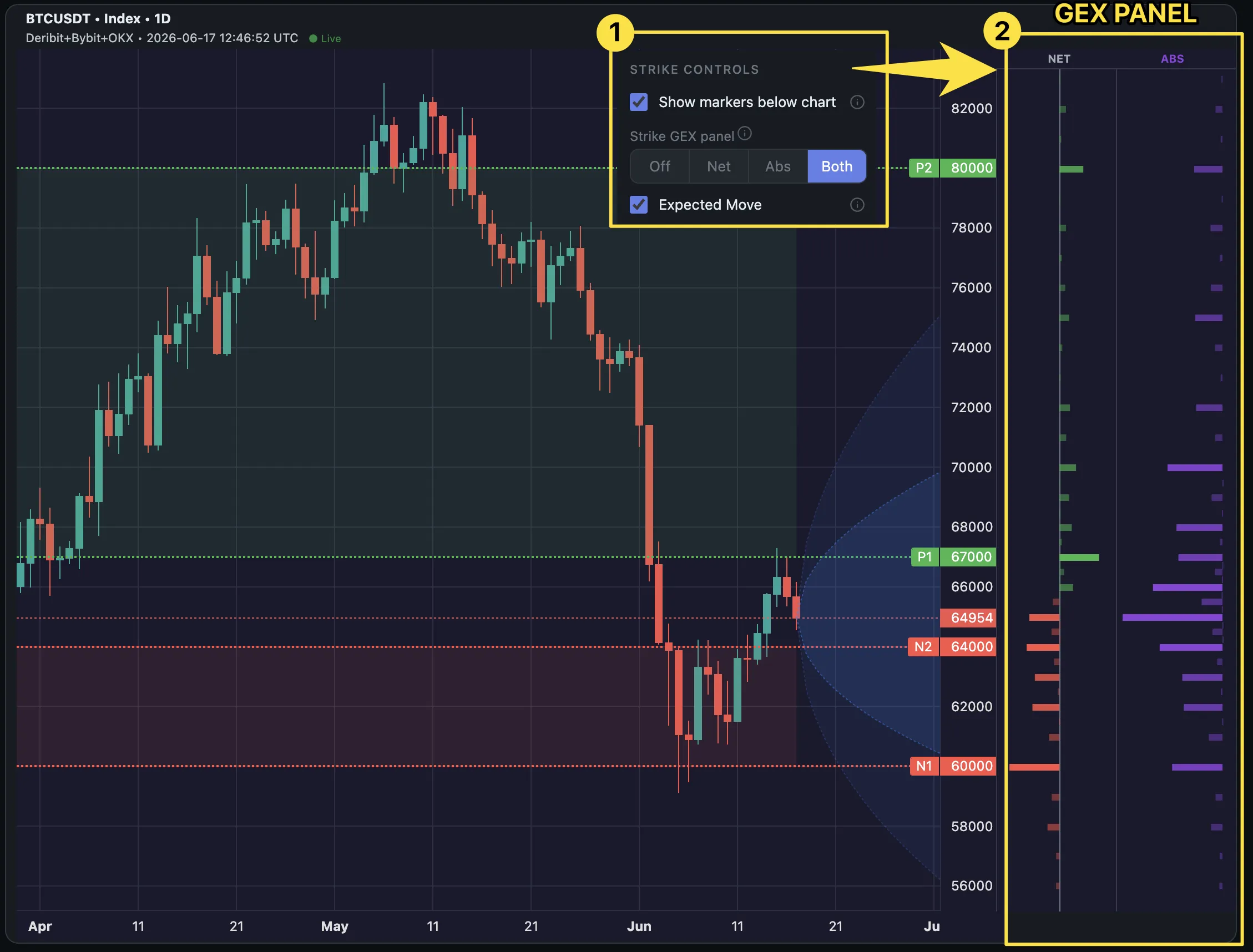
  • GEX by strike, right on the candles: The Day and Hour price charts now have a docked side panel showing GEX per strike beside the candles — aligned to price and locked to the axis as you zoom and pan. Switch it between Net (call-vs-put walls, green/red), Abs (total gamma per strike, purple), Both side by side, or Off. Bars brighten with size so the big walls stand out, and hovering any bar shows its price and value. So you can read where price sits relative to the gamma walls without leaving the candle chart. Your choice persists across Day/Hour and reloads. Open Now → Day / Hour.
    The Day price chart with a docked Net and Abs GEX-by-strike panel to the right of the price axis, hovering a strike to show its price and value

Improved

  • Cleaner price chart: Gamma-wall zones shade more lightly so they sit behind the candles instead of competing with them, the unused zoom slider no longer reserves empty space under the OHLC charts, and the Expected Move toggle moved into the ⚙ chart-controls menu.
  • The GEX Studio now fills your screen: Charts, heatmap, and the Dealer Pulse rail expand to use the full browser window instead of a fixed ~1150px column (capped at 2560px on ultrawide). The Account Dashboard is roomier and Academy lessons now sit in a centered reading column.

Multi-Expiration Selection#

Added

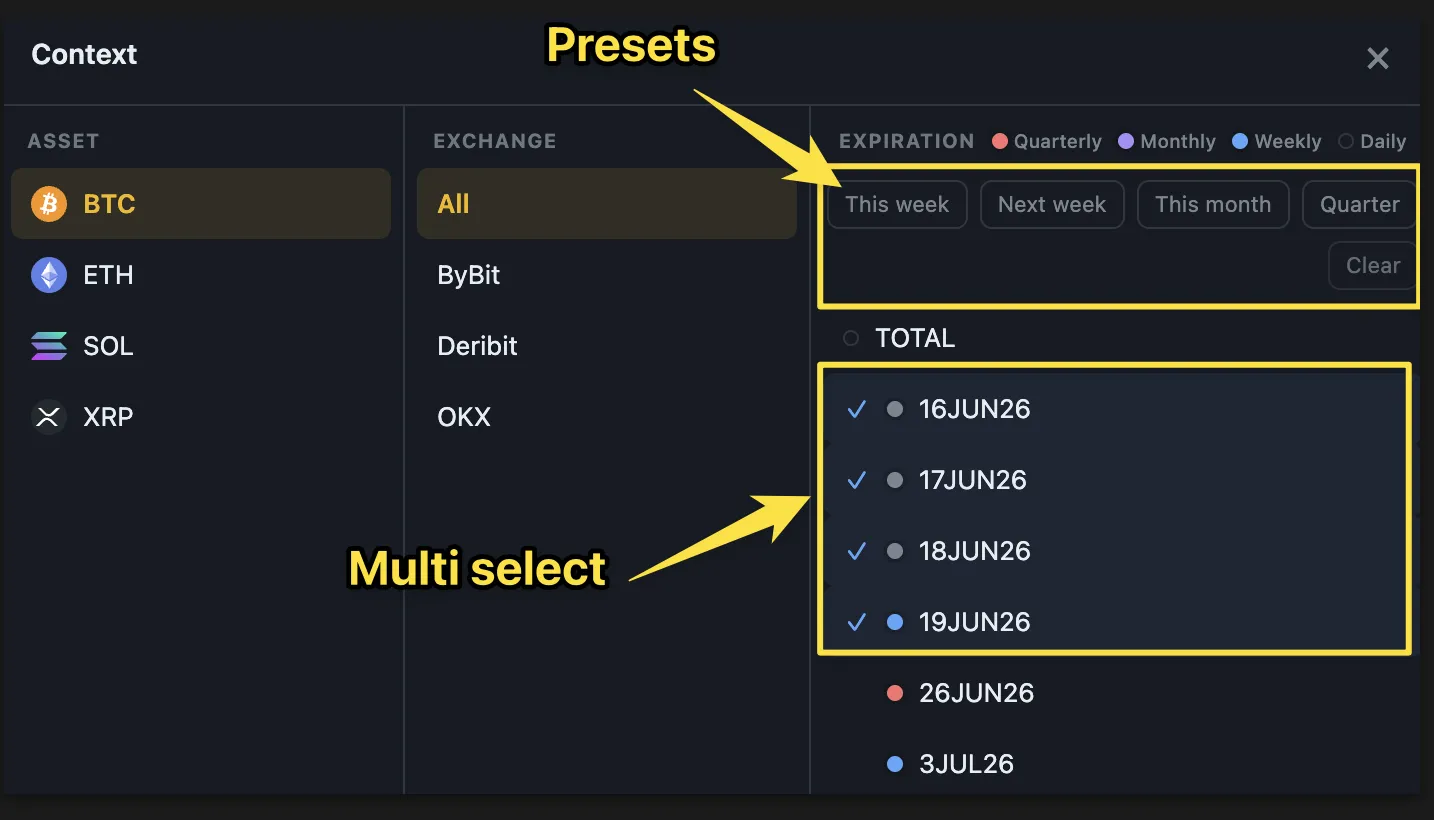
  • Pick which expirations you analyze: The context picker now lets you check several expiration dates at once — not just a single date or the full TOTAL. Four one-tap presets — This week · Next week · This month · Quarter — select every expiration up to that boundary (and Clear resets to TOTAL); from there you can add or drop dates by hand. Your set flows into GEX by Strike and the Hedging Profile, and the Dealer Pulse rail recomputes Flip / Net / Absolute GEX live for exactly that set. So you can frame the chart around what's actually in play over your horizon — keep just this week's expiries to read what dealers are hedging into Friday, or drop a far-out quarterly that's muddying the walls. Your selection persists across reloads. Open Now.
    The context picker with multi-select expiration checkboxes and cumulative presets — This week, Next week, This month, Quarter

GEX Breakdown by Expiration#

Added

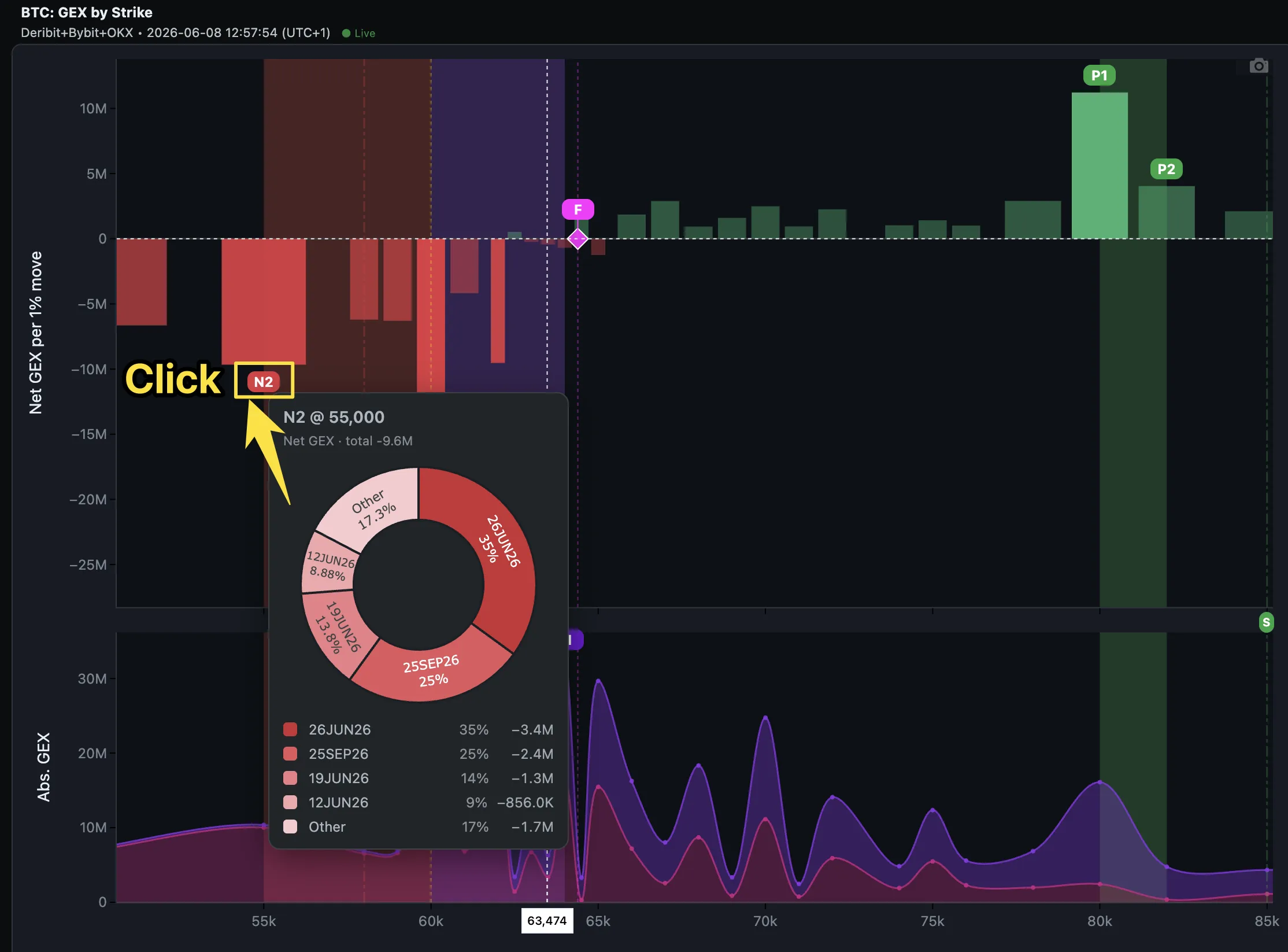
  • Per-expiration breakdown on every wall: Click any N1/N2/P1/P2 (net) or A1/A2 (absolute) marker — on the chart or its badge in the markers widget — to open a donut showing which option expirations build that level. Top contributors are named, the rest fold into Other; net donuts colour each slice by side (call-heavy green / put-heavy red), absolute by magnitude. Because every slice is dated, you can see when a level will weaken — when a contributing expiration settles, its share leaves the marker. TOTAL mode. Open Now.
    Clicking the N2 marker on the GEX by Strike chart opens a donut breaking the level into its contributing expirations
  • Blog: Which Expiration Built This Wall?: A 5-minute read — net vs absolute, why a wall is really a forecast (the date a slice settles is the date the level weakens), and the tenor trap (a third in this Friday's weekly is fragile; a third in a quarterly is durable). Read: Which Expiration Built This Wall? GEX Breakdown by Expiration.

Monte Carlo: Realistic Tails & Steady Reads#

Improved

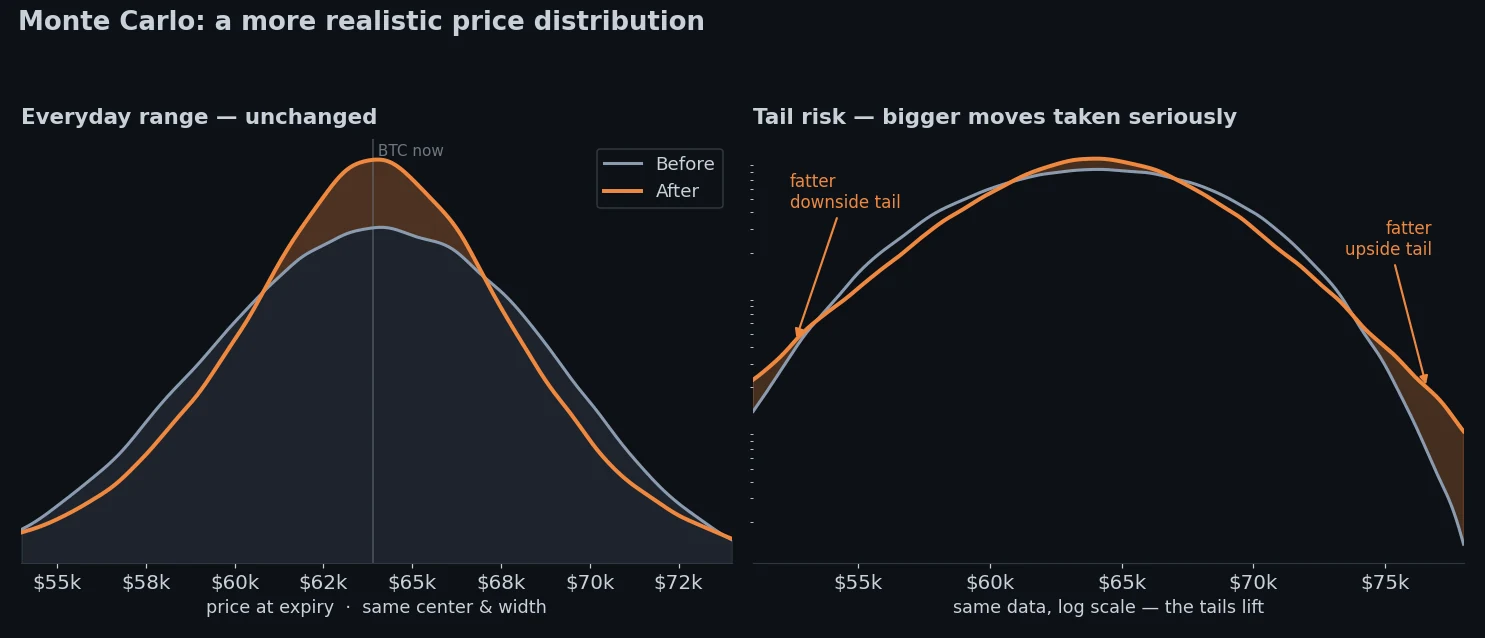
  • More realistic extreme moves: The Monte Carlo Simulator and Reach Probability now give fatter, more honest odds to big moves — crypto's real tail risk. Your everyday range (p10–p90) is unchanged; what's different is that rare large moves are no longer under-counted, so far-out levels read closer to reality.
    BTC terminal price distribution before vs after — same center and width, but fatter downside and upside tails
  • Steady, comparable simulations: The path cloud no longer reshuffles on every refresh, and switching GEX Impact (Light / Normal / Strong) now changes only the gamma effect — not the random draw. So Light vs Strong is a true apples-to-apples comparison, and the picture stops flickering on unchanged data.

Reach Probability#

Added

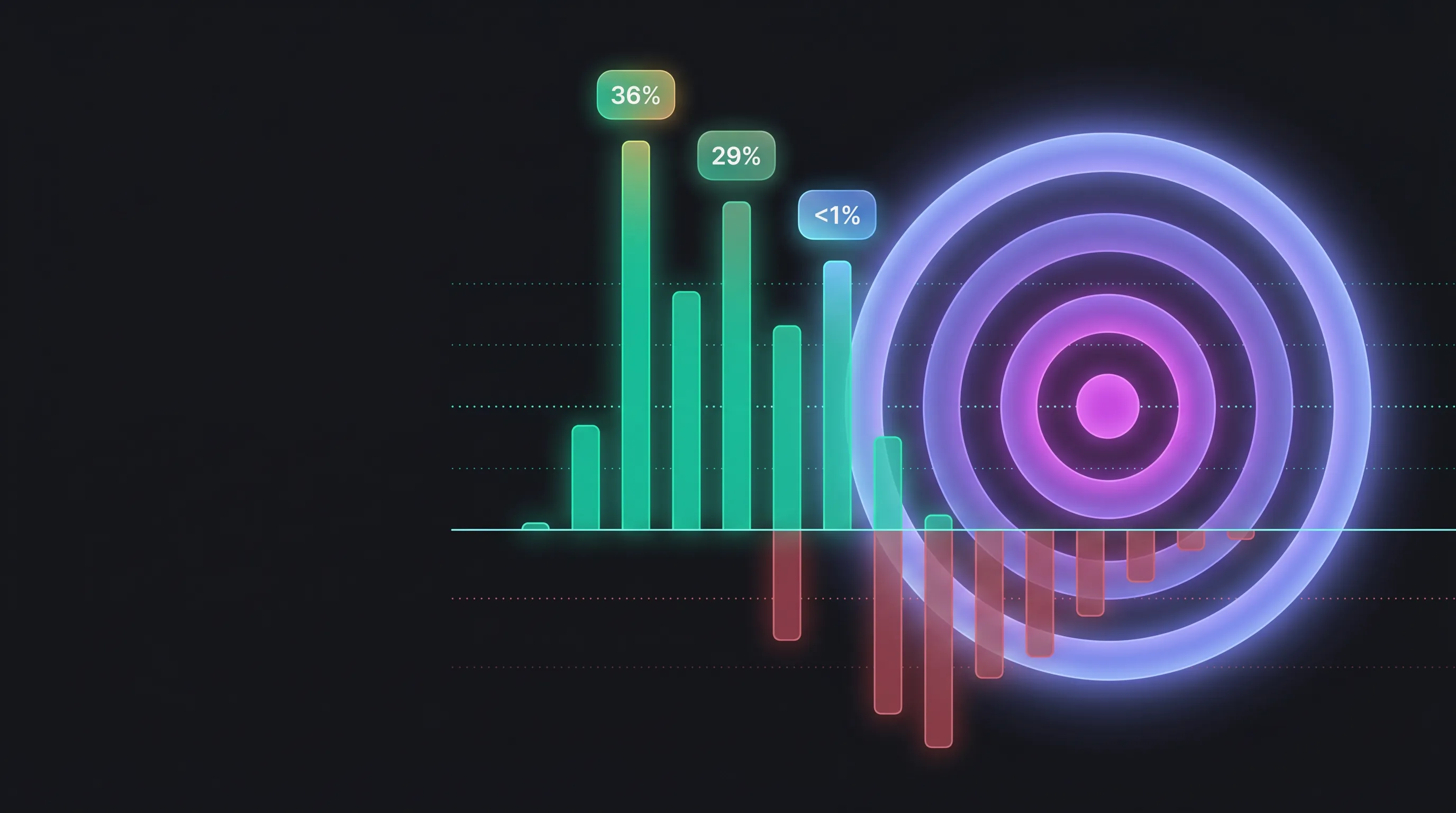
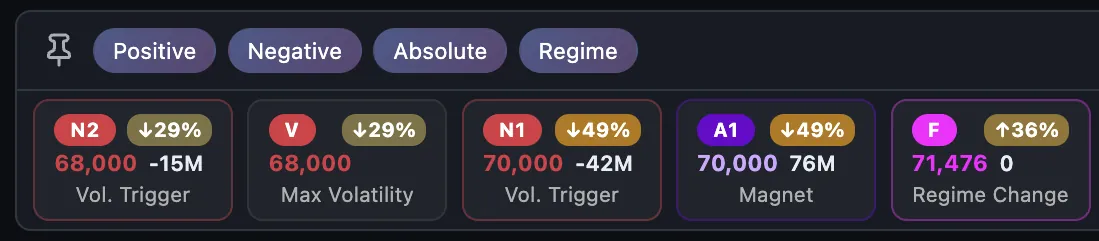
  • Reach Probability on every marker: Press 🎯 Reach % in the Now nav bar to stamp each GEX level with the Monte-Carlo odds price closes at or above (↑) — or at or below (↓) it by a horizon you pick (8h–30d, or this Friday / month-end). Heat-colored % chips appear on the on-chart marker badges and the Dealer Pulse cards; a GEX Impact setting (Light / Normal / Strong) tunes how hard gamma bends the paths. One cached simulation per horizon, so all markers read instantly. Open Now.
    Reach Probability — the odds price closes above or below each GEX level
    Dealer Pulse marker cards with Reach % chips — N2 ↓29%, F ↑36%, A2 ↑31%, P1 ↑ under 1%

  • Blog: Reach Probability: A 5-minute read on what the chips mean (terminal odds — where price finishes, not whether it touches), the three controls, and how to use them in a trade plan. Read: Reach Probability: The Odds Price Closes Above or Below Each GEX Level.

Small Features That Make GEX Easier to Read#

Added

Improved

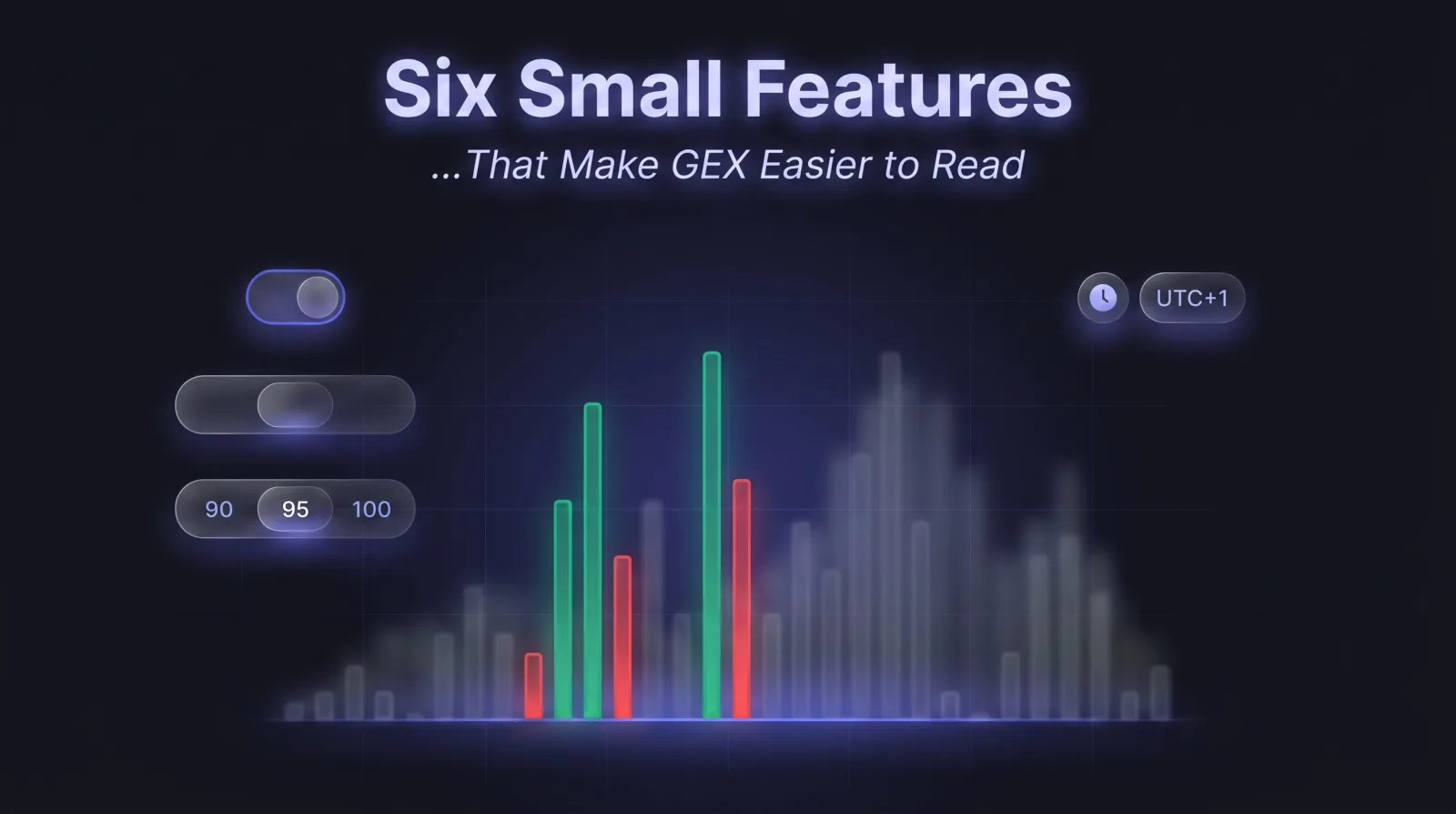
  • Strike chart controls tidied up: Bar Width and Strike Concentration moved into the per-chart ⚙ Controls popover (Strike Concentration now a 90/95/99/100 selector). Your setting carries over.

Fixed

  • Heatmap on mobile: removed the black side bands, tighter margins.
  • Control help icons now open the matching help entry.