
Hedging Pressure and Absolute GEX Under the Candles#
Added
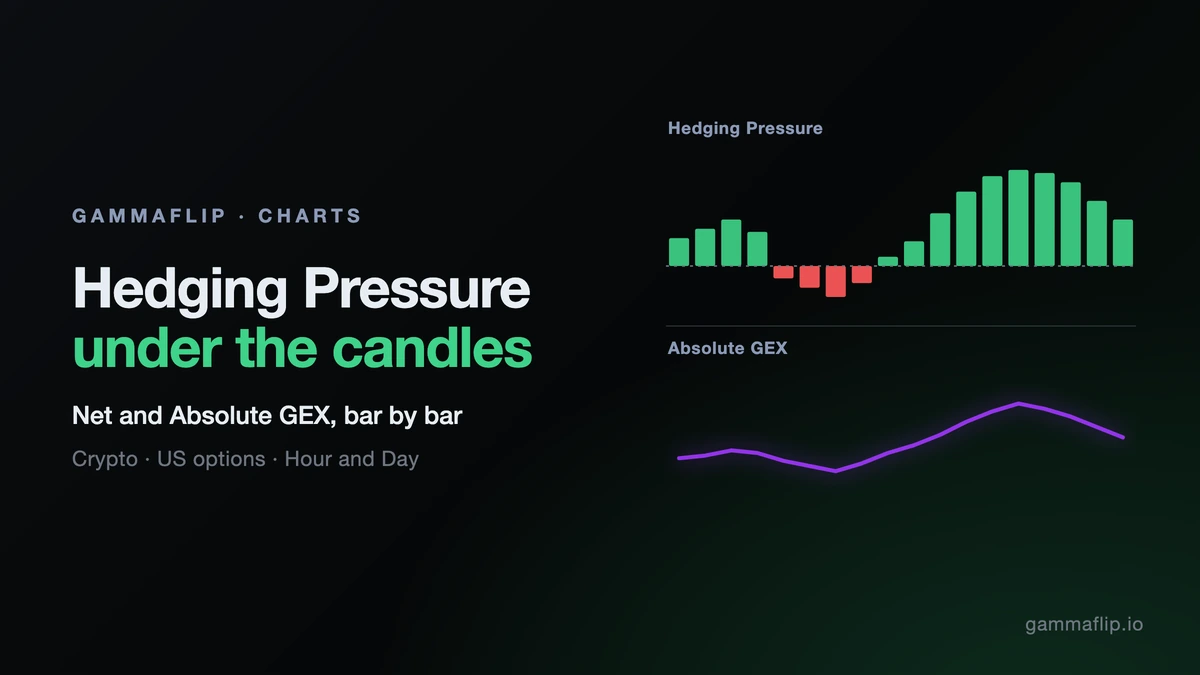
- Hedging Pressure and Absolute GEX panels: the Now › Hour and Day charts now show both under the candles, so you can line up the dealer regime with price, bar by bar. Hedging Pressure is Net GEX: green when dealers dampen moves, red when they amplify them. Absolute GEX shows liquidity depth. Both follow your exchanges, on crypto and US options, and move with the chart's zoom and crosshair. They describe the size of moves, not their direction. Absolute GEX starts collapsed: click its arrow to open it.
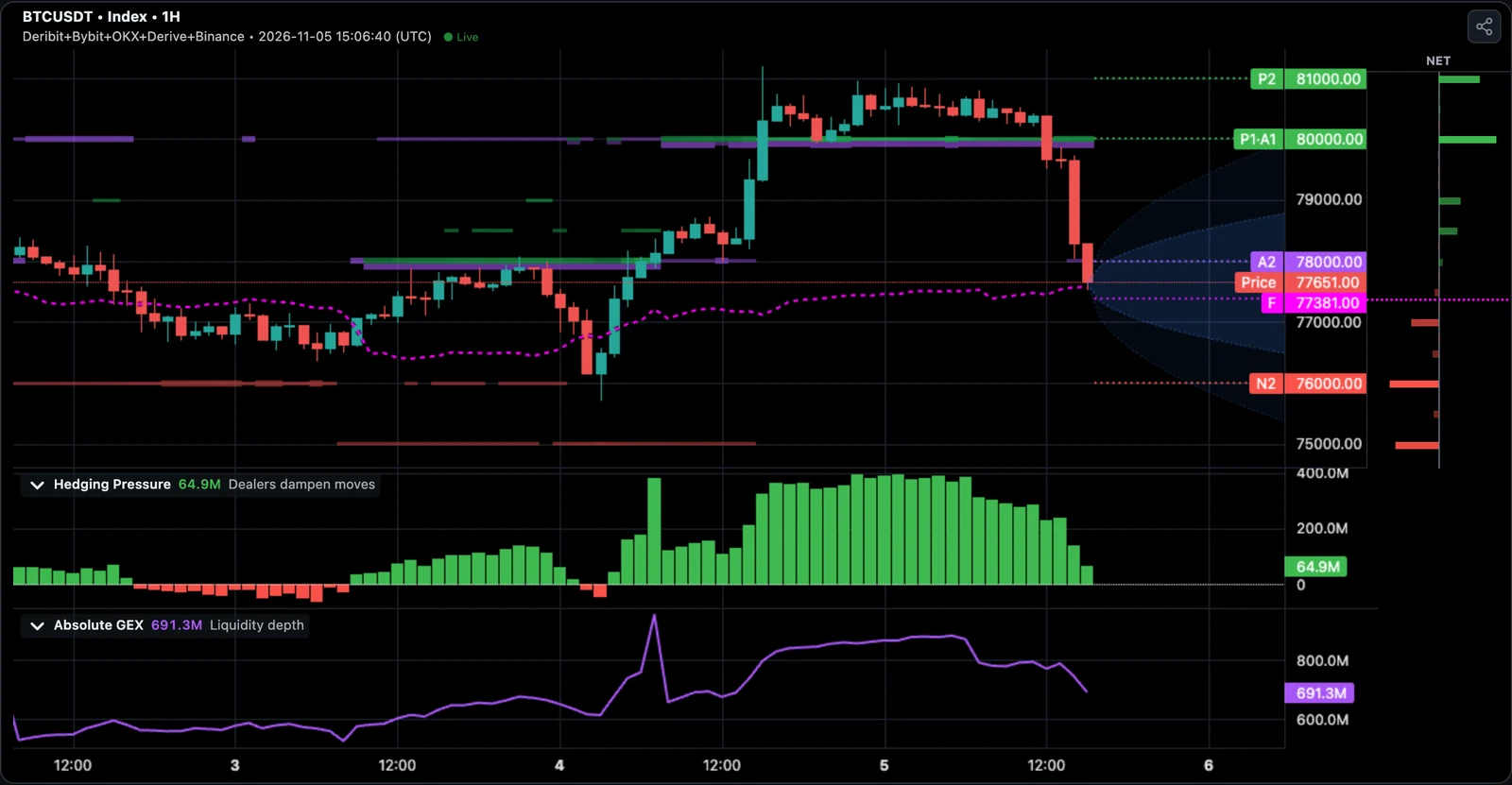
- Make them yours: drag the line between panels to resize them, or use the arrow to collapse one to a thin strip. In chart controls, Indicator panels switches between Two, One and Off. Your layout survives a reload.
- Also in replay and on Share cards: the panels follow the Time Machine, showing only what was known at that moment. In the Share dialog a new button adds the panels you have open to the card; it is off by default.
Improved
- Hedging Pressure looks the same everywhere: in the summary rail and on the Dashboard the chart is now green above zero and red below, like the panel under the candles. One negative reading no longer paints the whole day red.
Fixed
- Live values for several exchanges on the candle chart: with a mix such as Deribit + OKX, the summary rail on the candle chart now shows live values.
- Time labels on past dates: in the browser time zone, a summer date no longer gets today's offset. A time that read
14:15 (UTC)now reads14:15 (UTC+1).
The panels always show all expiries of the selected exchanges. If you pick one expiry, the levels follow it and the panels say TOTAL, not 6NOV26.